How to Redeem You and Me in Cali RP Codes
Clear steps for when My World! Community finally drops a working promo.
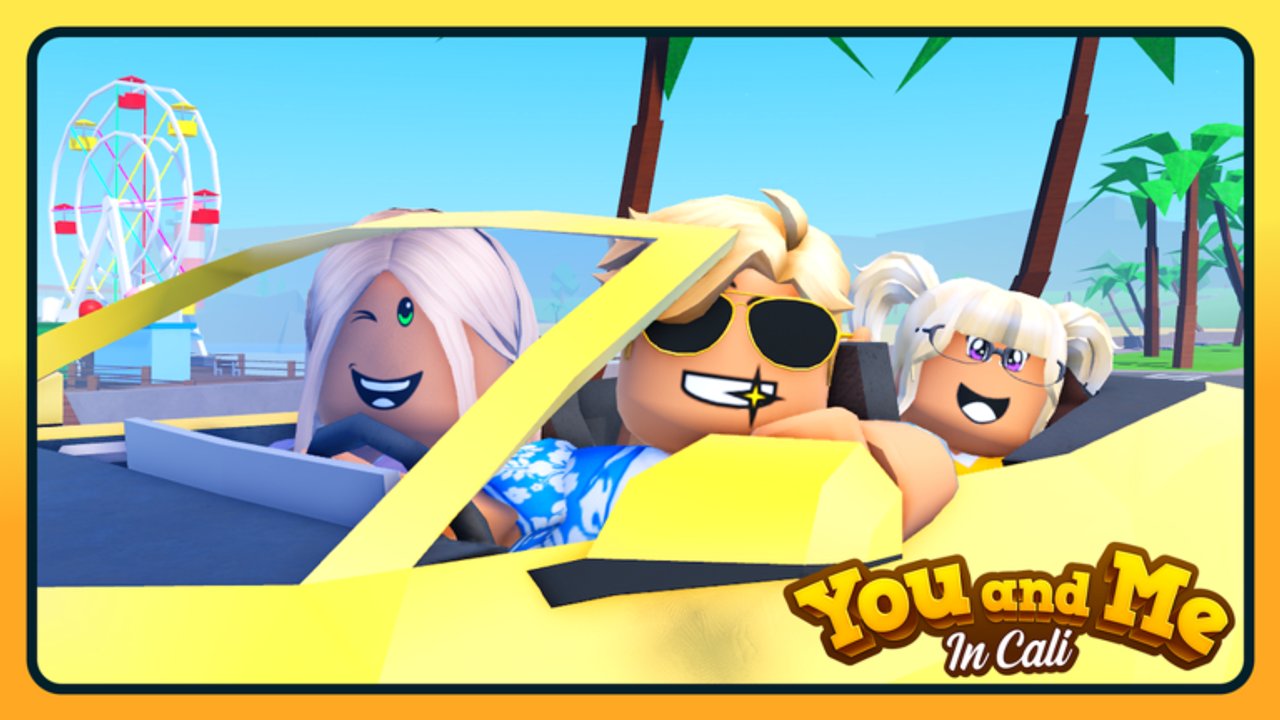
Promo codes in Roblox life RP games are short strings you paste into an in-game box for cash, cosmetics, or event items. You and Me in Cali RP by My World! Community does not currently list working codes (November 2026), but the redemption habit is still worth learning so you can claim a drop the minute it appears. This guide walks through join steps, where the Codes button usually sits, exact typing rules, troubleshooting, and how this wiki stays honest about empty lists.
Before you hunt for a Codes button, open the Codes Hub to confirm something is actually active. If the hub still says no working codes, no UI trick will invent a reward. Fake lists on random blogs often recycle strings from other California-themed experiences; those will fail here.
Before you start
- Launch Roblox on a supported device and sign into the account that should receive the reward.
- Open You and Me in Cali RP (place
89227656273268). - Wait until you fully spawn into the California map — HUD buttons often load a second after the character appears.
- Optional but smart: join the My World! Community Roblox group so you see shouts when codes or events go live.
- Keep the codes hub bookmarked in another tab so you copy from a verified list, not a screenshot of unknown origin.
Server size is 28 players. If the Codes panel is hidden behind another menu during a busy firefight or chase RP, step somewhere quieter or reopen the experience once.
Step-by-step redemption
1. Find the Codes or Rewards control
After spawn, scan the left or right HUD edges and any Settings or Menu gear. Life RP titles commonly use a ticket, gift, or Codes label. Updates can move the button — if Firefighter, Boats, or Police patches rearrange the UI, re-check corners and the pause menu. When the official description or group shout mentions codes, developers often pin a short hint about where to redeem.
2. Open the redemption window
Click the Codes control once. You should see a text field, a Redeem or Submit button, and sometimes a short note about case sensitivity. If nothing opens, wait for assets to finish loading or rejoin. Mobile players may need to expand a collapsed side panel first.
3. Paste the code exactly
Copy the string from the Codes Hub when a live entry exists. Paste into the field. Do not add spaces before or after. Codes are almost always case-sensitive. Do not translate or “fix” spelling. One wrong character fails silently or shows an invalid message.
4. Confirm and verify the reward
Press Redeem. On success you should see a confirmation toast and the cash, item, or cosmetic appear in inventory or wallet. If the UI says the code is invalid, expired, or already used, stop retrying the same string — check the hub status instead. Log out and back in only if the reward text succeeded but the item did not appear after a short wait.
5. Redeem one code at a time
When multiple codes exist, clear the field between each paste. Mixing strings or submitting twice in a rush can cause confusing error text even when the second code is still valid.
Common problems and fixes
| Problem | Likely cause | What to try |
|---|---|---|
| Invalid code | Typo, wrong game’s code, or never official | Recopy from Codes Hub; ignore blog inventions |
| Expired | Event window closed | Wait for the next official drop; check updates |
| Already redeemed | Same account already claimed it | Codes are usually once per account |
| No Codes button | Feature not shipped yet or UI moved | Confirm codes exist; rejoin; check Settings |
| Reward missing | Inventory lag | Rejoin server; check wallet and backpack |
| Cannot type | Chat focus or mobile keyboard glitch | Tap the field again; paste instead of typing |
If every published code fails and the hub still lists them as working, tell us via the site feedback path and we will retest. Prefer official channels over Discord DMs that ask you to “verify” with an executor — that pattern is covered on script safety.
What if there are no codes?
That is the current reality for You and Me in Cali RP. Progress through jobs, learn controls, save toward houses and vehicles, and play seasonal content such as the Boats event, the live Firefighter update, and the upcoming Police Update 2. New players should start with Getting Started so early decisions are not wasted waiting on promos.
Good habits when codes finally appear
- Redeem on the main account you actually play; gifts rarely transfer.
- Redeem soon after announcement — RP event codes can be short-lived.
- Screenshot the confirmation if you need to report a missing item to support or the group.
- Never pay a third party who claims to “generate” Cali RP codes.
- After big patches, re-read this page in case the Codes button moves; then return to the Codes Hub for the live list.
How this wiki verifies redemptions
We watch the official game page, My World! Community posts, and reputable trackers such as RBX Radar. A code only stays in the Working table after a successful redeem or multiple independent confirms. Expired entries move to history instead of vanishing. That is why the hub may stay empty for weeks — empty is more useful than a fake table.
Practice the flow now: join, locate HUD buttons, and get comfortable with menus. When the first real promo lands, you will spend seconds claiming it instead of searching tutorials under pressure. Pair this guide with the Codes Hub and you are covered for every future drop My World! Community ships for You and Me in Cali RP.
Frequently Asked Questions
Quick answers to the most common questions.
Where is the Codes button in You and Me in Cali RP?
Usually on a side HUD edge or inside a Menu/Settings panel after you spawn. If no codes exist yet, the button may be missing or inactive until the developer enables it.
Are codes case-sensitive?
Yes in almost every Roblox experience. Paste exactly as shown on the Codes Hub with no extra spaces.
Why does every code I try say invalid?
Most public lists for this game are fabricated. Check the Codes Hub — if it shows zero active codes, none will redeem.
Can I redeem the same code on multiple accounts?
Each Roblox account typically redeems a code once. Alts need separate logins and still require the code to be active.
Do codes work on mobile and console?
If the experience supports your platform and shows the Codes UI, paste or type the same string. Use paste on mobile to avoid typos.